
imgtopattern

00 /C2C, tapestry & graphgan

Crochet Pattern Generator & Graph Maker — turn a photo into a C2C, tapestry or graphgan chart with written rows.

No photo handy? Try one:

JPG · PNG · WEBP · up to 20 MB

Converted on your device. Your photo isn't uploaded unless you choose an AI or cloud tool.

Converted on your device · No sign-up · PDF from $4.99

Golden retriever portrait (example photo)
Example: a dog photo as a 48 × 60 pattern with 8 colors, made live in your browser.

Materials

10 /Quick answer

How to use the crochet pattern generator

To turn a photo into a crochet pattern, upload it, choose how many blocks wide the blanket should be, keep it to about 8 colors and follow the written rows. For C2C each square is one tile, and the instructions run diagonally — like “Row 12: 3 blue, 5 white, 4 blue”.

  1. 1

    Upload a photo

    Pets and simple scenes with big color areas work best.

  2. 2

    Set the width in blocks

    40–60 blocks for a lap blanket, 80–100 for a throw, depending on your tile size.

  3. 3

    Keep about 8 colors

    Every color change means a new bobbin — fewer colors, less juggling.

  4. 4

    Follow the written rows

    Tick off each diagonal row as you work it; the direction flips every row.

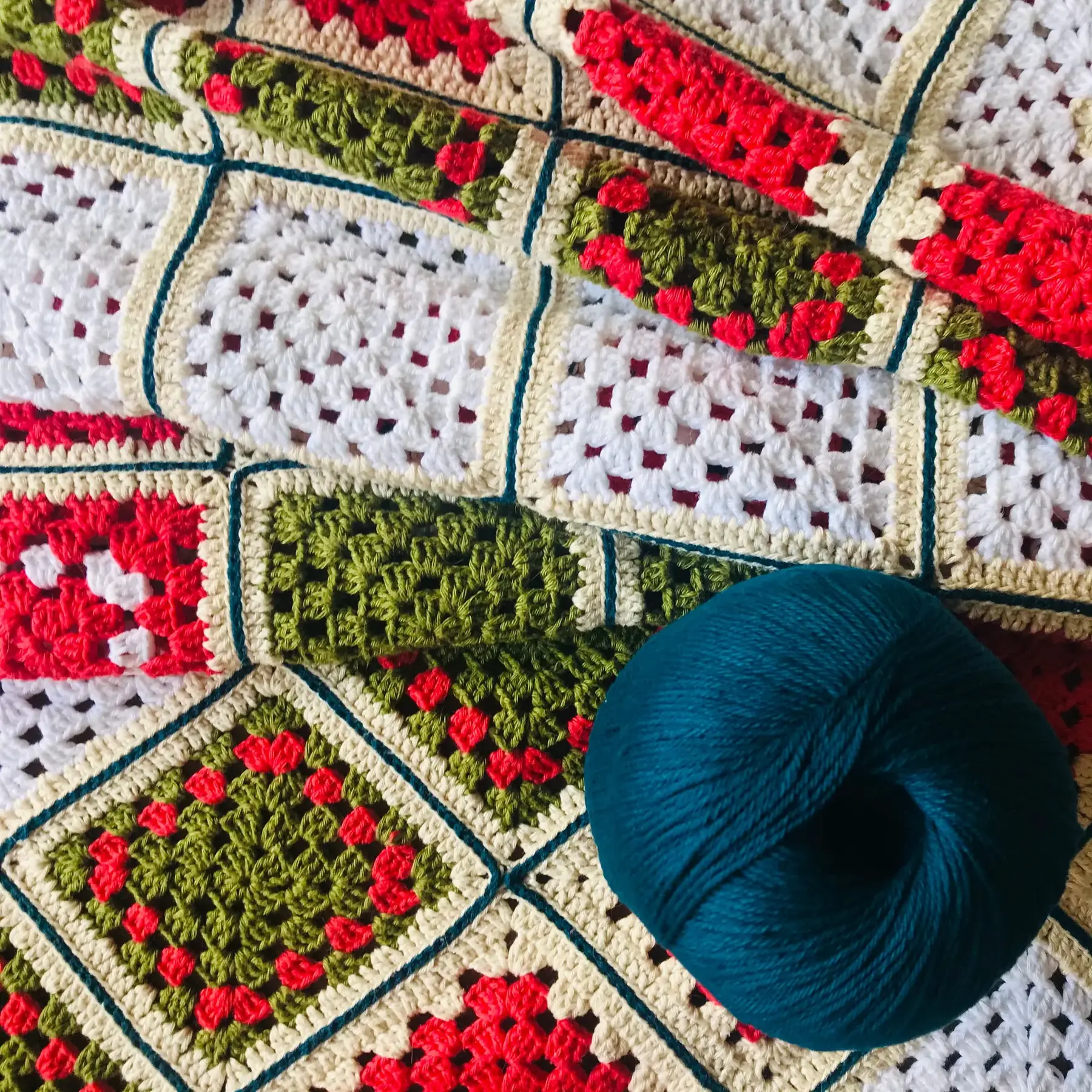
Granny squares and a ball of yarn
Granny squares and a ball of yarnPhoto · Pexels

20 /

C2C, tapestry or graphgan: which one?

  • ✕C2C (corner to corner): each square is a tile of 3 dc, worked diagonally. Fast and forgiving.
  • ✕Tapestry crochet: single crochet with the unused colors carried inside. Best with 2–4 colors per row.
  • ✕Graphgan: one stitch per square, worked in rows. Most detail, most color changes.

30 /

A crochet graph maker that writes the rows for you

Most crochet grid makers stop at the chart. This one also writes every row as text — direction, color and count — and keeps a tick list so you never lose your place.

Working in thread with blocks and spaces instead of colors? Use the filet crochet pattern generator.

40 /

Blanket size and block count

Finished size = blocks × the size of one block in your swatch. Crochet a small swatch first and measure one tile.

Blocks1 in tiles1.25 in tiles
40 × 5040 × 50 in50 × 62.5 in
60 × 7560 × 75 in75 × 94 in

90 /FAQ

Questions people ask

Q.01How do I convert a photo into a C2C crochet graph?

Upload the photo, set the width in blocks, limit colors to about 8 and use the diagonal row-by-row instructions under the chart.

Q.02How big will my C2C blanket be?

Multiply the block count by the size of one tile from your swatch: 60 blocks of 1 inch make a 60-inch-wide blanket.

Q.03Can I make tapestry crochet charts?

Yes. Use the straight-row view and keep 2–4 colors per row so the carried strands stay manageable.