imgtopattern

00 /Free · No sign-up · Private

Photo to Pixel Art Converter — turn any photo into crisp pixel art and download a clean PNG.

手边没照片?试试这些:

JPG · PNG · WEBP · 最大 20 MB

在你的设备上转换。除非你使用 AI 或云端工具,照片不会上传。

本地转换 · 无需注册 · PDF $4.99 起

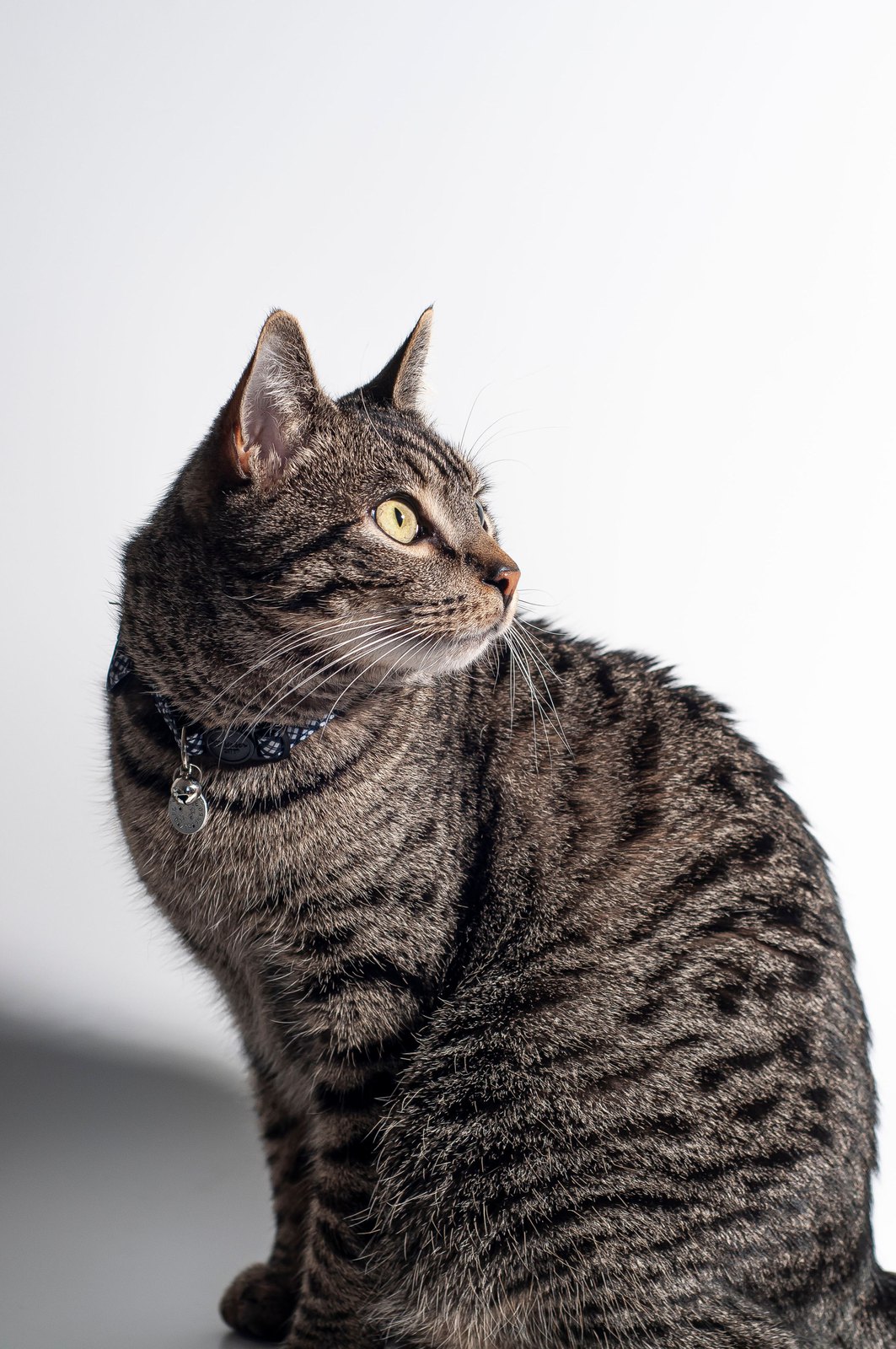
Tabby cat with green eyes (example photo)
示例:一张cat照片在浏览器里实时转成 40 × 50、16 色的图纸。

材料清单

10 /Quick answer

How to use the photo to pixel art

To turn a photo into pixel art, upload it, choose the grid size (32–64 pixels wide is the classic look), limit the palette to 8–16 colors and download the PNG. The converter averages your photo inside every square and snaps it to the closest palette color, all inside your browser.

  1. 1

    Upload a photo

    Faces, pets and objects with a plain background convert best.

  2. 2

    Choose a grid size

    32 px for retro sprites, 48–64 px for portraits, 96+ for detailed scenes.

  3. 3

    Pick a palette

    Any colors, or real Perler bead or DMC thread colors if you want to make it.

  4. 4

    Download a crisp PNG

    Every pixel is a sharp square — no blur when you scale it up.

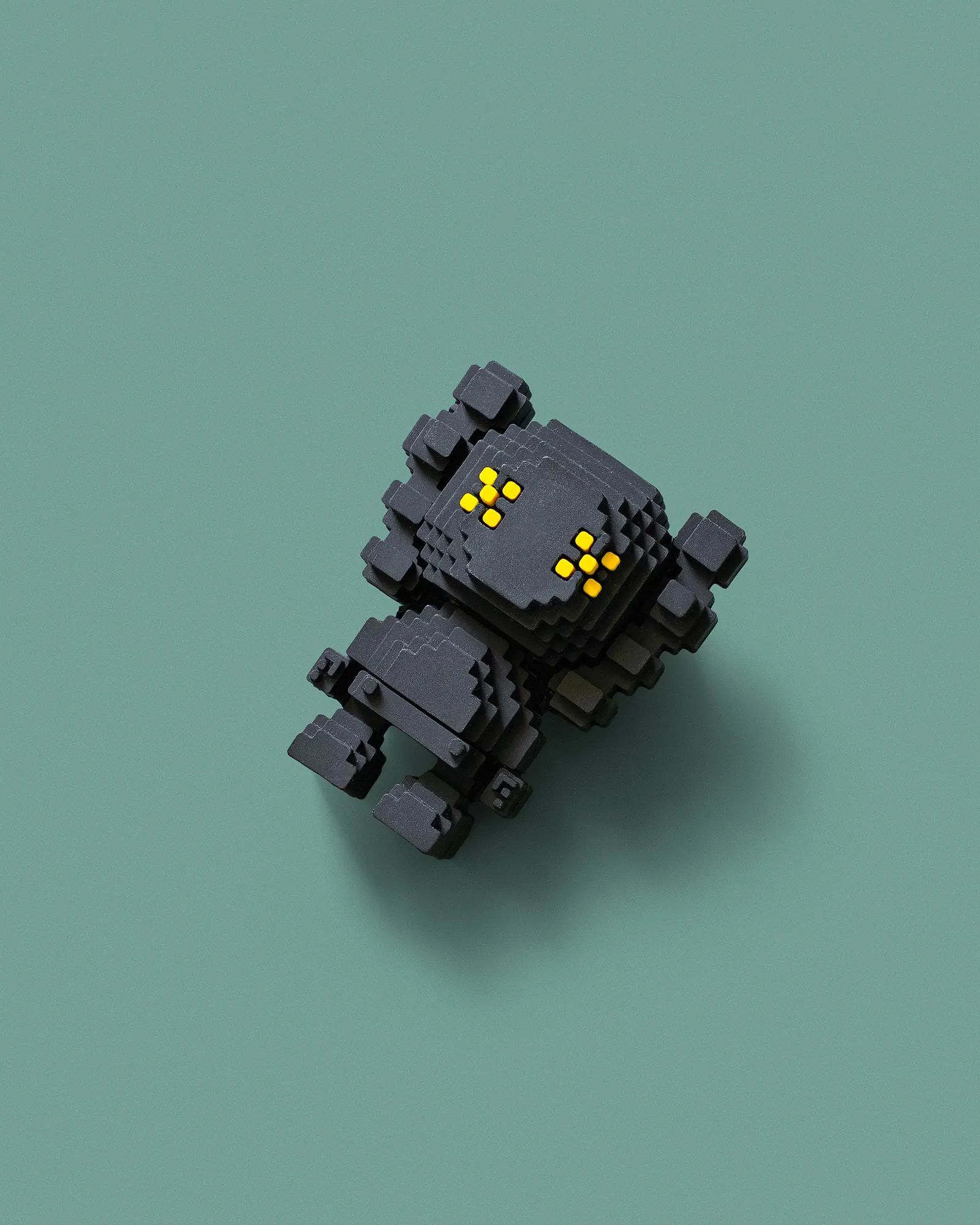
A pixel art robot, built one square at a time
A pixel art robot, built one square at a timePhoto · Pexels

20 /

Choose a grid size

Fewer pixels make a bolder, more retro image; more pixels keep more of the photo. Use the Compare view to slide between your photo and the pixel art.

WidthLookGood for
16–24 pxIconAvatars, emojis, tiny sprites
32 pxClassic 8-bitCharacters, one Perler board
48–64 pxDetailedPets, portraits
96–128 pxPainterlyScenes and landscapes

30 /

Pick a palette

“Any colors” lets the converter choose the best 8–64 colors for your photo. Pick Perler beads or DMC floss instead and the pixel art uses only colors you can buy — then open it in the Perler or cross stitch maker to print the pattern.

40 /

Image to pixel art without uploading

The conversion runs on your own device, so your photo never leaves it. That also makes it fast: changing the size or colors redraws the pixel art in a fraction of a second.

90 /FAQ

Questions people ask

Q.01How do I turn a photo into pixel art?

Upload the photo, choose the width in pixels (32–64 is typical), limit the colors to 8–16 and download the PNG. The converter averages each square of the photo and picks the closest palette color.

Q.02Is this pixel art converter free?

Yes. Converting and downloading pixel art PNGs is free, with no sign-up.

Q.03What size should pixel art be?

32 × 32 is the classic size for characters; 48–64 pixels wide keeps enough detail for pets and faces.

Q.04Can I make the pixel art with beads?

Yes. Switch the palette to Perler beads, then open the Perler bead pattern maker to split it into 29 × 29 boards with bead counts.